Versinode Chrome OS Flex USB Version
Create your ChromeOS Flex
After downloading Rufus, just follow the instructions. After creating your first node, attach it to your computer and arrange the BIOS. There you go. A complete stable OS you can use. After signing in to your Google account, you will resume where you left off in your Chrome Browser. Fast, reliable, Linux-powered Google. Carry your OS with you. Attach to a new machine, and you are where you left your projects.
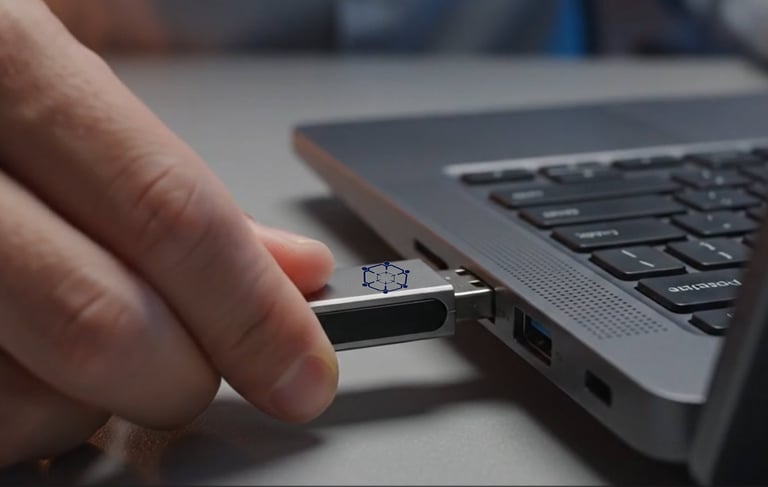
Reaching your data is simple and easy.
Soon after attaching your Chrome OS Flex USB version, choose Try it first. Sign in to your Google account, then use the button below to access your Versinode account. You will be able to reach any of your devices and use your own data in your own cloud system.
Prepare your shortcut!
After entering the system, all you should do is attach the Versinode shortcut to your system tray. You can go to your work instantly. You can reach your own devices' hard drives as long as they are connected to the internet. Your hard drives are your own cloud system. Completely free of charge, and only you can see them.